
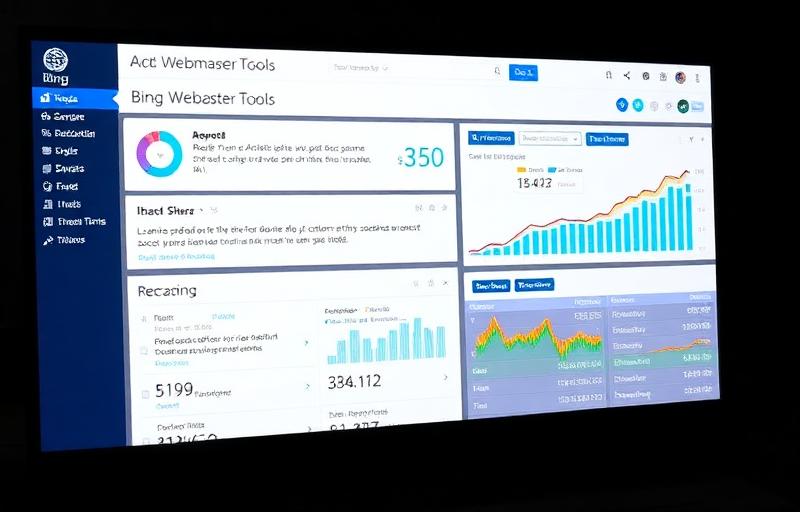
Bing Webmaster Tools is truly more advanced than Google Search Console in many ways. With the tips below you can see improvements in your SEO results very soon.
After you have added your site and verified its ownership, you can access its Site Dashboard from the My Sites page. Submitting a sitemap makes it easier for Bing to crawl and index your site pages. It supports sitemaps in XML, RSS 2.0, Atom 0.3 & 1.0, Yahoo and Bing mRSS and Text formats.
You can control crawl rate in crawl control settings. The best rate for your site is automatically selected, but you can adjust this manually.
Disavow Links
To help maintain a natural-looking link profile, webmasters can use the Disavow feature to submit all untrustworthy or toxic backlinks. You can disavow links at the domain, directory, or individual page level.
Geo-Targeting
If your target audience is in a different country from your local TLD, you may use the Geo-Targeting feature. This allows you to specify the country audience for your content on multiple levels, including domain, subdomain, directory, and page. This is more advanced than Google, which allows geo-targeting only at the website level.
Search Keywords Report
Shows which keywords from organic search are driving impressions and clicks. Helps monitor click-through rates, average rank, and ranking performance.
Connected Pages
Bing allows brands to associate websites with their corresponding social media accounts. Simply add the URLs and verify. View impressions and click data from connected social media accounts in one report — Google lumps all social clicks together.
Page Traffic Reports
Displays page-level search performance metrics for your top pages including clicks, impressions, and CTR — all exportable to Excel.
Index Explorer
See which pages Bing has crawled, how many URLs appeared in search results, and clicks received. Filter for 301 redirects, 404 errors, malware infections, and robots.txt exclusions.
SEO Reports
Gives recommendations for SEO best practices compliance. Click on suggestions to view explanations, recommended actions, and non-compliant pages.
Inbound Links
External links Bing has found pointing to your site, with a snapshot of link growth over time.
Keyword Research Tool
Perform keyword research using Bing's data — see query volumes and related keywords. Multiple filters available for specific results.
Fetch As Bingbot
View your site through the eyes of Bing. An important tool for troubleshooting errors. Enter your URL and "Fetch" to see how Bingbot sees your page source.
Link Explorer
Analyze any site's backlink profile for competitive analysis. Filter by site, source (internal, external, or both), and anchor text.
Markup Validator
Reports on structured markup found on the page (Schema.org, RDFa, Microformats, HTML Microdata, Open Graph). Note: If you used Google Tag Manager to mark up, it is not accessible to Bing!
SEO Analyzer
Analyze individual pages for SEO performance. While SEO Reports focuses on site-wide issues, the SEO Analyzer provides in-depth single-page analysis with compliance recommendations.
Malware
If malware has been detected on any of your pages — or if any of your pages links to malware — Bing Webmaster Tools will inform you under the Security tab.